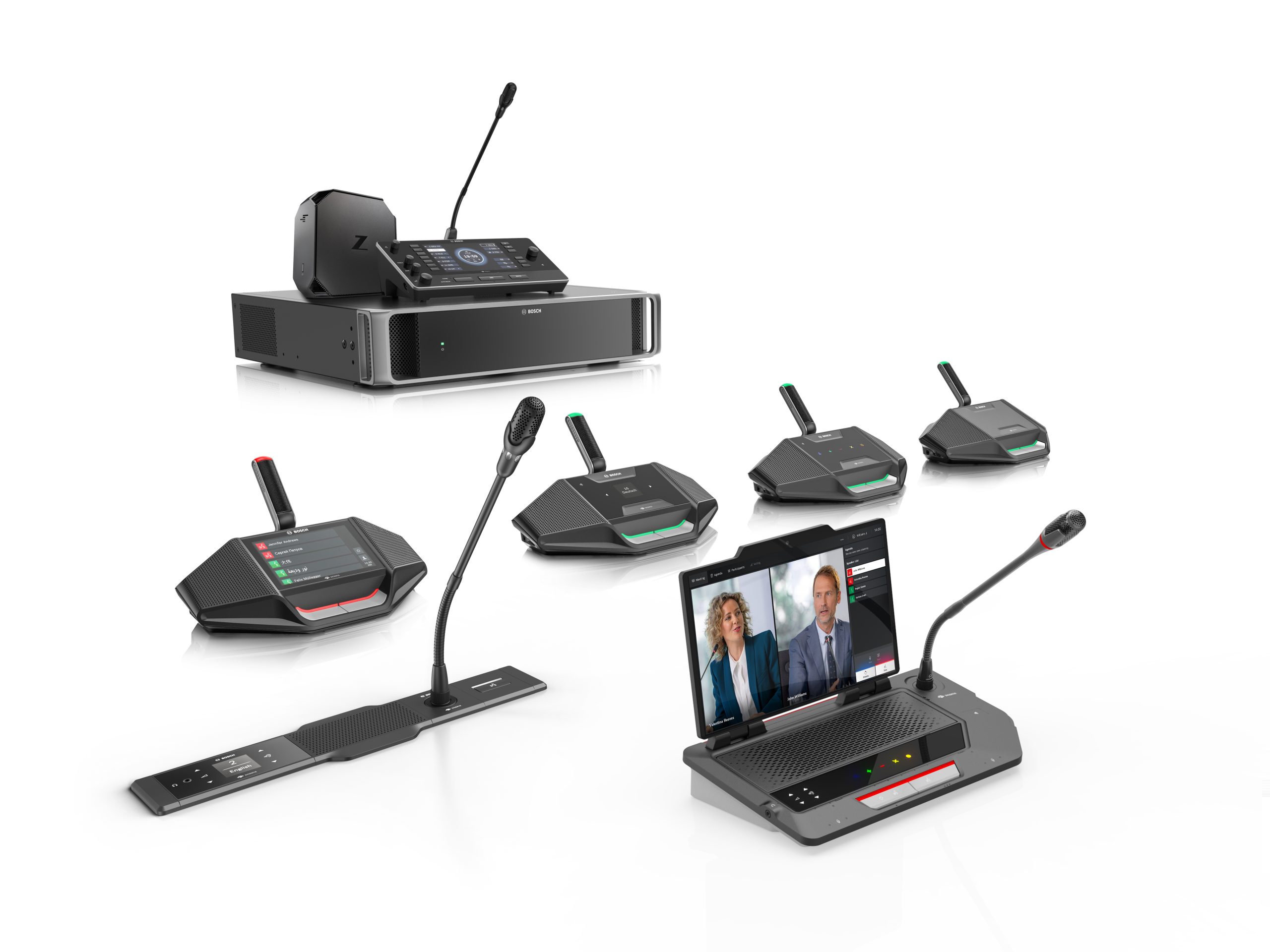
The DCNM-MMDOCK Multimedia docking is ideal for meetings where maximum functionality, flexibility, and multimedia content are required. The device is designed to include all participants, featuring touch buttons that support haptic feedback and braille. All functionality is available on the base of the device, ensuring that a meeting can continue even if the participants forget their tablet or the tablets’ battery is depleted. The DICENTIS Multimedia docking is built to provide users with the freedom to choose their screens. They can choose a tablet with 10 to 14 inches, which can be docked to the DCNM MMDOCK. The position of the docking station can be adjusted from 0° to 120° for an optimal viewing angle. If you install the Participant App in the tablet and connect it to the DCNM-MMDOCK via the USB-C cable, both devices will be paired. The tablet can also be fast-charged when the DICENTIS Multimedia docking is powered locally with a USB-C charger. The DCNM-MMDOCK is equipped with 6 MEMS microphones that can serve as the primary meeting microphone or as a backup microphone.
Functions
General
Additional functionality by use of the Premium or Ultimate licenses only.
– Identification functionality.
– Voting.
– Select language.
Controls and indicators
• Touch buttons with haptic feedback.
• Braille indications.
• Agenda and meeting data browsing.
• Internet browsing.
• Live video (e.g. showing the current speaker).
• Meeting management for the chair person.
• Possibility for adding 3rd party and custom apps.
• Possibility for increased functionality by adding software.
• Built-in NFC card reader with card slot.
• Built-in MEMS microphones.
• Built‑in loudspeaker and acoustical chamber.
• Pluggable microphone.
• Microphone on/off button or request‑to‑speak button.
• Microphone mute or chairperson priority button.
• Indicators showing: microphone on state, request‑to‑speak and possible‑to‑speak.
• Power button to wake up the system
Interconnections
• 1x USB-C cable to connect a 3rd party tablet.
• 1x USB-C socket to connect a USB-C charger to locally power and fast-charge the 3rd party tablet.
• Socket for pluggable microphone.
• 2x RJ45 compatible connection for system communication and power.
• 3.5 mm stereo jack for headphones, external microphone or headset microphone.
• Hot plug‑and‑play.