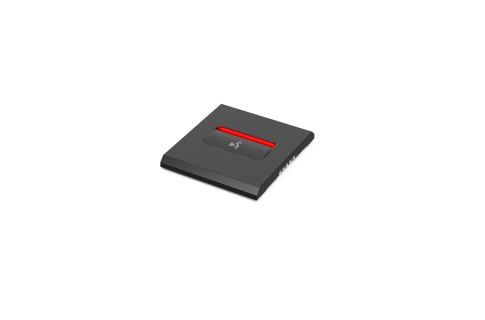
The Microphone button panel is connected to the Flush base device (DCNM-FBD) via a control interface, and can be daisy-chained to other devices. Functions
• The microphone has a LED bar that indicates:
– Red: the microphone is active.
– Green: the participant was added to the waiting list.
– White: it is possible to speak. Interconnections
• Control interface, through RJ12, to DCNM-FBD and other devices.
• Power and control interface to DCNM-FMCP