
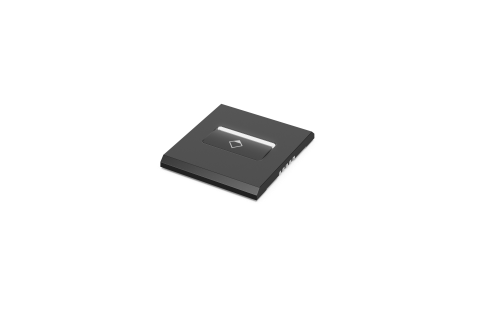
Bosch DICENTIS DCNM-FPRIOB Flush priority button panel
Category: DICENTIS
Key Points:
- Also available in customized colors, wood, stone or metal designs
- Stylish and modern design
- Priority on/off button
- Red LED indicator
The Flush priority button panel is connected to the Flush base device (DCNM-FBD) by CAN connection.
Functions
Controls and indicators
• One microphone priority button.
• LED bar above the priority button to indicate the status:
– White: it is possible to speak.
– Red: the priority is active.
Interconnections
• Two RJ12 connectors, one to connect to the DCNM-FBD Flush base device, and the other for loop through. It can be daisy-chained to other devices.
-
5 Stars
-
4 Stars
-
3 Stars
-
2 Stars
-
1 Stars
Average Star Rating: 0.0 out of 5 (0 vote)
If you finish the payment today, your order will arrive within the estimated delivery time.
Be the first to review “Bosch DICENTIS DCNM-FPRIOB Flush priority button panel”

Reviews
There are no reviews yet.